Serving Tucson, AZ and Surrounding Areas


4.8

Rating by 4105+ Customers
Returning to Your Green Valley Home After Months Away: What to Check Before You Turn the AC Back On

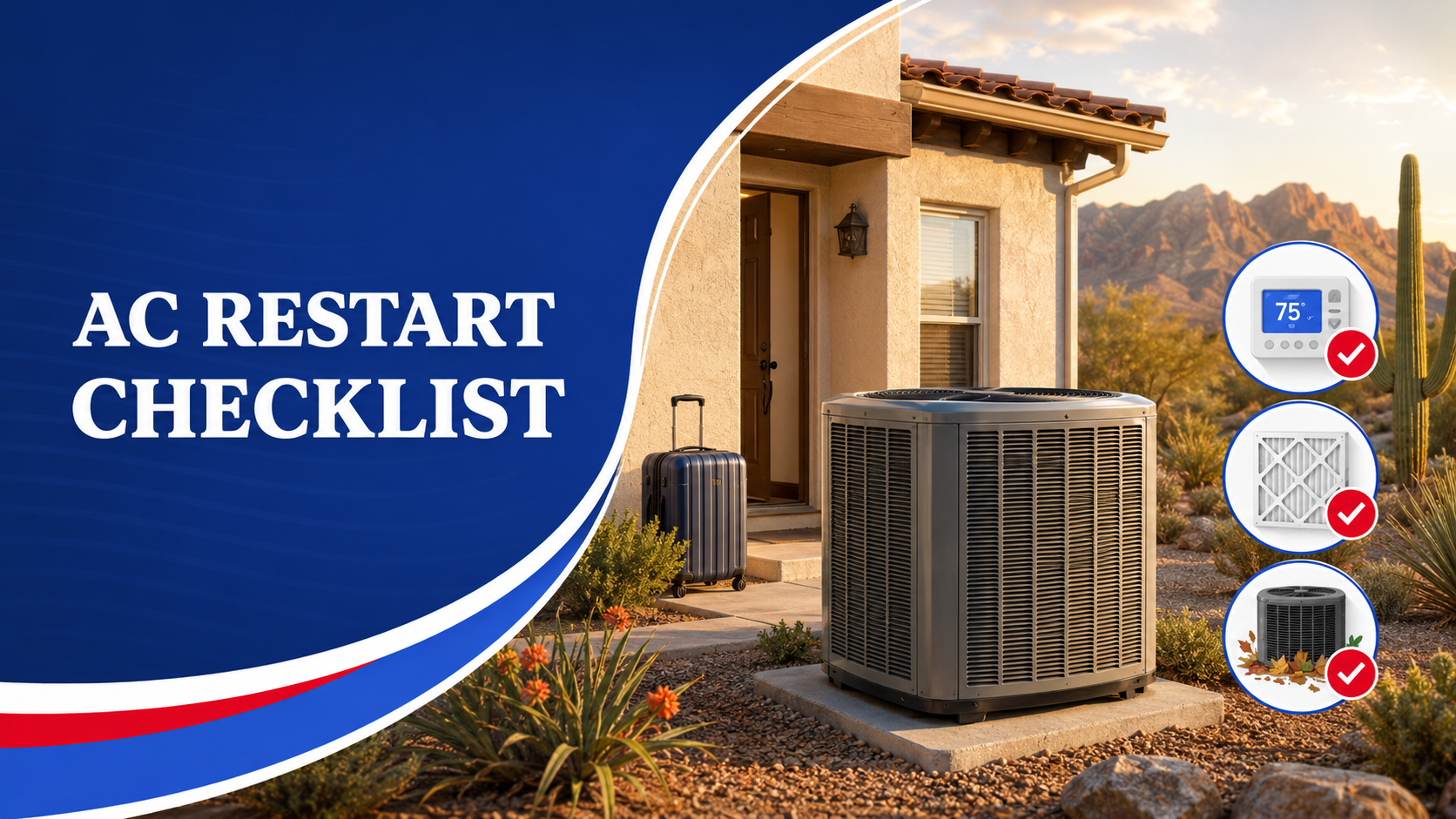
Returning to your Green Valley home after several months away can be exciting, especially when you are ready to settle back into your normal routine. Before lowering the thermostat, take a few minutes to inspect the air conditioning system and the areas around it. Dust, debris, pests, drainage problems, power interruptions, and unnoticed damage can develop while a home is vacant.
In this guide, you will learn what to check before turning your AC back on, how to restart the system carefully, and which warning signs mean you should call a professional. A brief inspection can help you avoid water damage, poor airflow, unexpected breakdowns, and uncomfortable indoor temperatures.
What Should You Check Before Turning the AC Back On?
Before starting the air conditioner, inspect the thermostat, air filter, indoor equipment, outdoor unit, vents, and condensate drain area. Look for signs of water, damage, pest activity, loose components, or blocked airflow.
Your initial checklist should include:
- Walk through the home before changing the thermostat
- Check for leaks, unusual odors, or visible damage
- Inspect the air filter and replace it when necessary
- Confirm that supply and return vents are open
- Clear debris from around the outdoor unit
- Look for moisture near the indoor equipment
- Check the thermostat display and settings
- Monitor the system during its first cooling cycle
Do not assume that the system is ready simply because it was working when you left. Conditions around the equipment may have changed during the months you were away.
Should You Inspect the Home Before Adjusting the Thermostat?
Begin with a complete walkthrough of the home. This gives you an opportunity to identify problems that could affect the HVAC system or make it unsafe to begin cooling immediately.
Look for water stains, damp flooring, musty odors, or signs of a roof or plumbing leak. Moisture inside a closed home can contribute to mold growth and may affect insulation, drywall, flooring, and indoor air quality.
Check doors and windows to make sure they are closed and secured. An open window can allow hot outdoor air, dust, and pests into the home while forcing the air conditioner to work harder.
You should also inspect supply and return vents throughout the house. Confirm that furniture, boxes, curtains, or other stored items are not blocking them. Restricted airflow can reduce comfort and place unnecessary strain on the system.
Pay attention to signs of pests, including droppings, nesting material, chewed wires, or damaged insulation. Rodents and insects may enter equipment cabinets, duct areas, or electrical components while a property is vacant.
When you notice significant water damage, electrical damage, or active pest activity near the HVAC equipment, avoid starting the system until the area has been evaluated.
Is the Thermostat Ready to Control the System?
Your thermostat may have lost power, disconnected from Wi-Fi, reverted to an old schedule, or developed weak batteries while you were away.
Start by checking the display. If the screen is blank, replace the batteries when the model uses them. A blank display can also indicate a tripped breaker, a power interruption, a wiring problem, or an open system safety switch.
Review the thermostat settings before turning on cooling:
- Confirm that the correct date and time are displayed
- Remove any vacation or hold setting
- Review programmed temperature schedules
- Reconnect smart features to Wi-Fi if needed
- Confirm that the fan is set to “Auto”
- Set the system mode to “Cool”
- Choose a reasonable starting temperature
Avoid setting the thermostat far below your desired temperature. A standard air conditioner does not cool faster simply because the thermostat is set to an unusually low number. That setting may cause the system to run continuously until the home reaches the target temperature.
When the home is extremely warm, lower the temperature gradually and give the system time to remove both heat and indoor humidity.
Does the Air Filter Need to Be Replaced?
Check the air filter before operating the system for an extended period. Even when the air conditioner has not been running regularly, dust, pest debris, and airborne particles may collect around the filter or return-air area.
Remove the filter and inspect it in good lighting. Replace it when it appears dirty, damaged, damp, or heavily coated with dust.
Make sure the replacement filter:
- Matches the correct dimensions
- Faces the proper airflow direction
- Fits securely without bending
- Has a rating appropriate for the system
- Does not leave gaps around the frame
A restrictive or incorrectly installed filter can reduce airflow. Weak airflow may contribute to longer cooling cycles, reduced comfort, higher energy use, or ice formation on the indoor coil.
Do not automatically install the highest-rated filter available. Some dense filters can restrict airflow when the system was not designed for them. Use the type recommended for your equipment or ask an HVAC professional for guidance.
What Should You Check Around the Indoor HVAC Equipment?
Inspect the area around the indoor unit before startup. Depending on the home, the air handler or furnace may be located in a closet, garage, attic, utility room, or another designated mechanical space.
Look for:
- Standing water
- Rust or corrosion
- Stains around the drain pan
- Loose access panels
- Damaged insulation
- Pest nesting material
- Chewed wiring
- Stored items blocking the equipment
- Strong musty or burning odors
Keep the area around the unit accessible. Boxes, cleaning supplies, clothing, and household storage should not block service panels, vents, or equipment openings.
A small amount of dust around an unused system is not unusual. Water, heavy corrosion, damaged wiring, or a strong electrical smell deserves more attention.
Confirm that equipment panels appear secure. Do not remove sealed panels or reach inside the unit. Internal components may contain sharp surfaces, electrical connections, and moving parts.
When the area is wet, determine whether the moisture may be coming from plumbing, the roof, the condensate system, or another source before operating the equipment.
Is the Outdoor AC Unit Clear and Undamaged?
The outdoor condenser needs open space around it to release heat. During a long absence, wind can push leaves, trash, branches, and other debris against the unit. Plants may also grow into the surrounding area.
Walk around the condenser and look for:
- Leaves or debris against the coil
- Overgrown plants
- Fallen branches
- Loose panels
- Visible dents
- Damaged wiring
- Pest nests
- Objects resting on top of the unit
- Signs of standing water or erosion
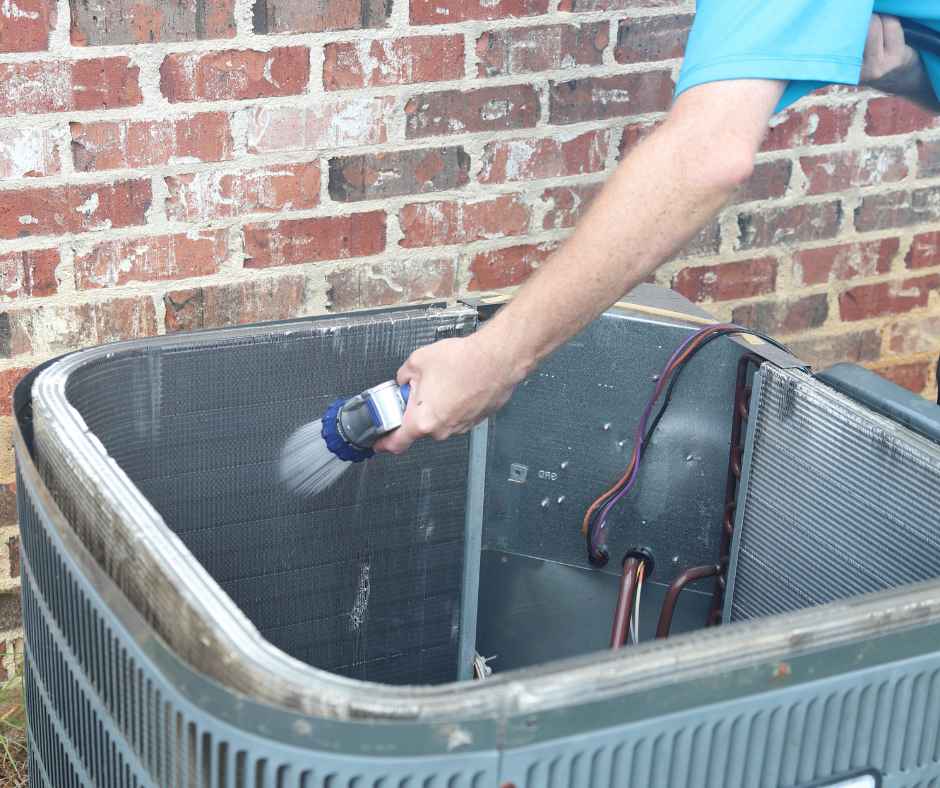
Remove loose debris from the immediate area without opening the cabinet. Maintain clear space around the unit so air can move through the outdoor coil.
Do not bend or scrape the thin metal fins. Damaged fins can restrict airflow. Avoid using high-pressure water or harsh cleaning products on the equipment.
Check that the unit appears stable and level. Soil movement, erosion, or landscaping work may affect the equipment pad while you are away. A severely tilted or unstable unit should be inspected before operation.
Also look at the insulated refrigerant line leading into the home. Contact a professional if the insulation is badly deteriorated, wiring is exposed, or the lines appear damaged.
Could the Condensate Drain Be Clogged?
Your air conditioner removes moisture from indoor air as it cools. That water travels through a drain pan and condensate line. Dust, algae, insects, or debris can block the line, particularly after a long period of limited use.
Inspect the visible drain area for:
- Water in or around the drain pan
- Staining beneath the equipment
- A musty smell
- Damp drywall or flooring
- Loose drain connections
- Signs that the drain outlet is blocked
Some systems include a float switch that shuts down cooling when water rises in the pan. If the thermostat has power but the system will not start, a drainage problem may be one possible cause.
Do not ignore water around the indoor equipment. A blocked drain can damage ceilings, walls, flooring, insulation, and nearby belongings.
Homeowners should avoid inserting objects or chemicals into an unfamiliar drain system. Improper cleaning can damage piping, loosen connections, or push debris deeper into the line. Professional maintenance may be appropriate when the line appears blocked or has a history of clogging.
How Should You Turn the Air Conditioner Back On?
Once the visible inspection is complete, restart the system in a controlled way.
Use this sequence:
- Confirm that windows and exterior doors are closed
- Make sure vents and return grilles are unobstructed
- Install a clean air filter
- Check that the HVAC breakers are on
- Set the thermostat fan to “Auto”
- Select cooling mode
- Set a reasonable initial temperature
- Wait several minutes for the system to respond
- Check airflow at several vents
- Listen to the indoor and outdoor equipment
- Inspect the indoor unit for water
- Monitor at least one full cooling cycle
Some systems have a built-in delay before the outdoor unit starts. Avoid switching the thermostat repeatedly between settings.
The air from the vents should begin feeling cooler after the system has operated for several minutes. The exact temperature depends on indoor conditions, system design, and equipment performance.
A very warm home may take hours to reach a comfortable temperature. Allow the system to work gradually rather than making repeated thermostat adjustments.
What Warning Signs Mean You Should Turn the System Off?
Turn the air conditioner off when it produces signs of an electrical, mechanical, drainage, or airflow problem.
Warning signs include:
- A burning or electrical odor
- Loud grinding, banging, or screeching
- Repeated breaker trips
- Water leaking near the indoor unit
- Ice on refrigerant lines or equipment
- Warm air from the vents
- Little or no airflow
- Rapid starting and stopping
- An outdoor unit that does not run
- Persistent buzzing or clicking
- Strong musty odors
- The thermostat becoming blank during operation
A dusty smell may occur briefly when a system starts after sitting unused. However, a strong odor that continues, worsens, or smells like burning material should not be ignored.
Do not repeatedly reset a tripping breaker. Circuit breakers are designed to interrupt power when they detect a potential problem. Repeated trips may indicate an electrical fault, damaged component, or failing motor.
Ice is also a warning sign. Continuing to run a frozen system can make the problem worse. Turn off cooling and have the cause evaluated.
Should You Schedule AC Maintenance After Returning?
Professional maintenance can be especially useful when the home and cooling system have been unattended for months. A technician can evaluate components that are not accessible during a basic homeowner inspection.
A maintenance visit may include checking:
- Electrical connections
- Refrigerant performance
- Blower operation
- Temperature differences
- Condensate drainage
- Thermostat controls
- Indoor and outdoor coils
- Airflow
- Safety devices
- Visible equipment condition
Maintenance does not guarantee that a system will never break down, but it can identify developing problems before the hottest part of the season places greater demand on the equipment.
An inspection is particularly important when the system is older, has a history of repairs, was not professionally maintained before departure, or shows unusual symptoms during startup.
Return to a Cool, Comfortable Green Valley Home
Before turning your air conditioner back on, inspect the home, thermostat, filter, indoor equipment, outdoor condenser, vents, and condensate drain area. Clear visible obstructions, restore cooling gradually, and monitor the first operating cycle closely.
Turn the system off when you notice burning odors, unusual noises, water leaks, weak airflow, ice, warm air, short cycling, or repeated breaker trips. Addressing these signs early can help prevent additional damage and discomfort.
D&H Air Conditioning & Heating helps Green Valley homeowners prepare their cooling systems for reliable operation after an extended absence. For maintenance, troubleshooting, or help restarting your air conditioner safely, contact us today to schedule service.

Get Service Today
Trust the local experts at D&H for all your HVAC & Plumbing Needs